Jajanku Smart Expense Tracker
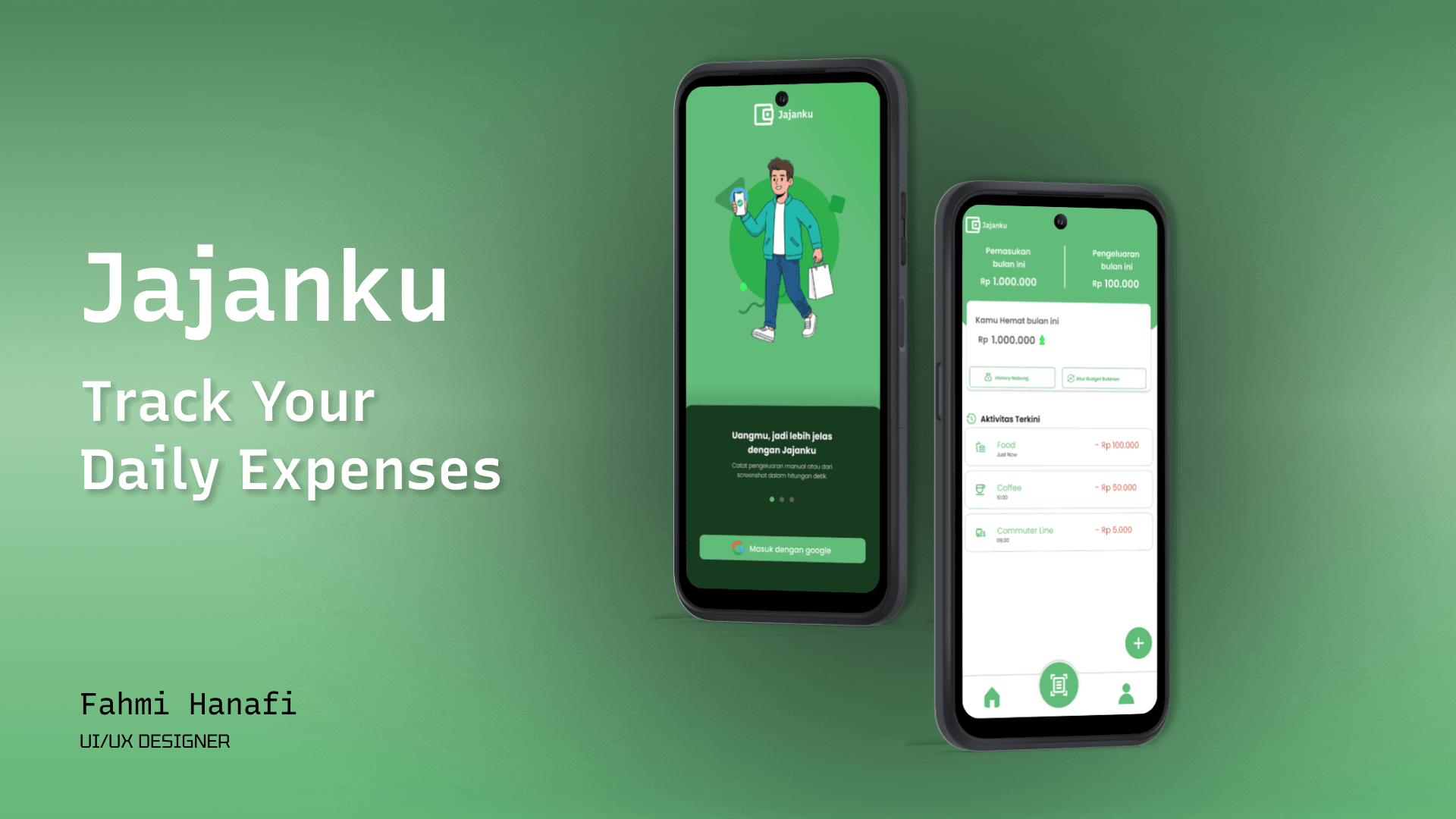
A smart expense tracking app designed to help users manage their daily spending habits, especially for impulsive purchases.
My Role

UI/UX Designer

User Flow & System Design
Problem & Solution
In today’s digital era, many people especially Gen Z tend to spend money impulsively on small, frequent purchases without realizing how much they have spent. Existing expense tracking apps often feel too complex or require manual input, which discourages users from consistently tracking their spending habits.
To solve this problem, I designed Jajanku, a smart expense tracking application that simplifies the process of recording daily expenses. The app introduces multiple input methods such as manual entry, receipt OCR, and screenshot scanning, combined with user confirmation to ensure accuracy and trust. Additionally, users can set spending limits to better control their financial habits and avoid overspending.
User Flow Overview
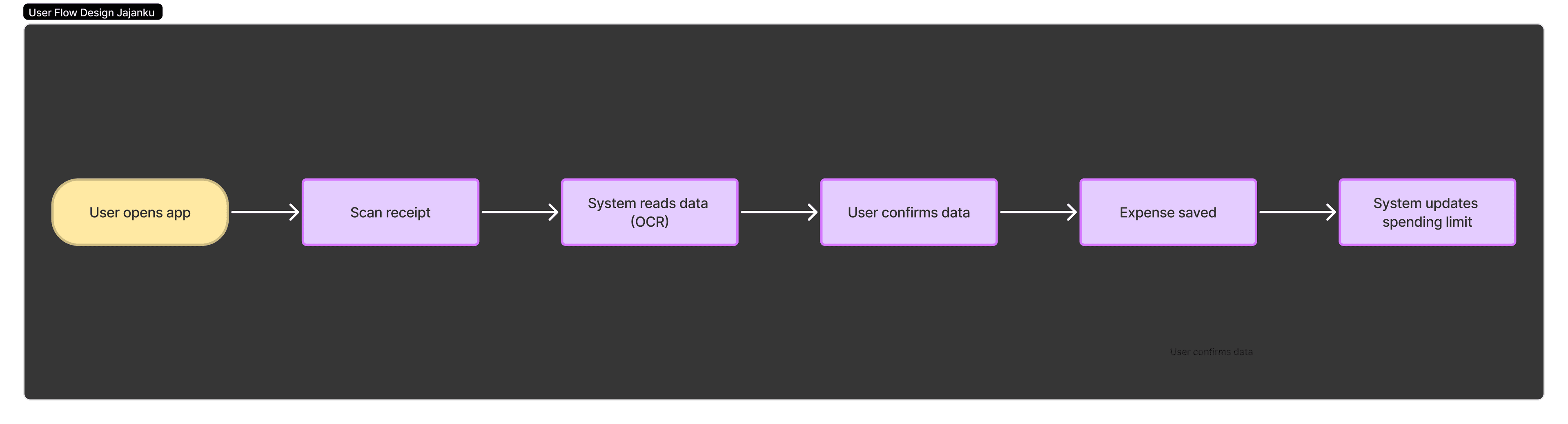
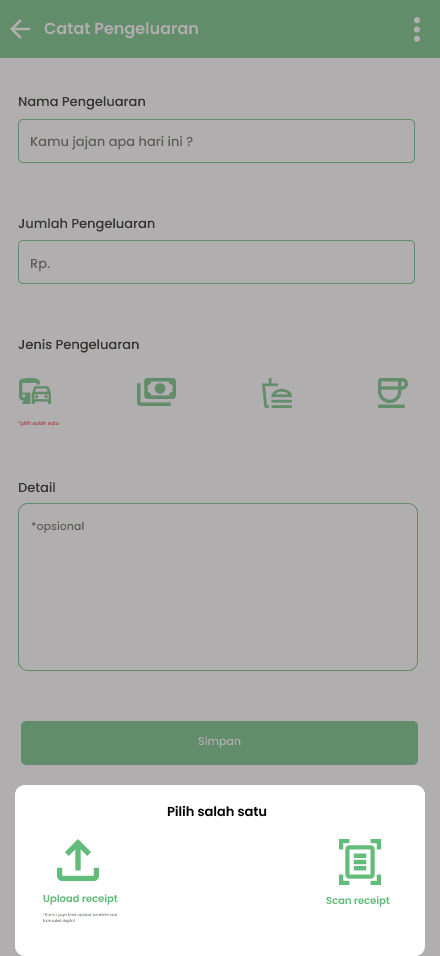
This flow illustrates how users interact with the app from recording an expense to tracking their spending. The process is designed to be simple and efficient, allowing users to input data through multiple methods such as scanning receipts or manual entry, followed by a confirmation step to ensure accuracy.
Design Goal
The main objective of this design is to simplify the expense tracking process and reduce friction when users record their spending.
The app is designed to encourage consistent usage while providing clear and actionable insights into users financial habits.
Key Features
• 📸 Receipt Scanning (OCR) — Automatically extract expense data from receipts
• 🖼️ Screenshot Detection — Easily import digital transaction proofs
• ✍️ Manual Input — Quick fallback for flexible data entry
• ⚠️ Spending Limit Reminder — Helps users stay within budget
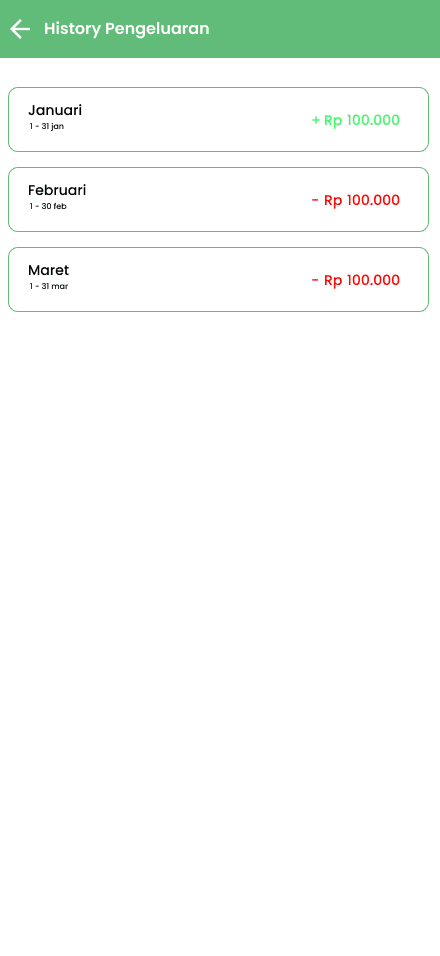
• 📊 Expense Overview — Clear visualization of spending behavior
UI/UX Approach
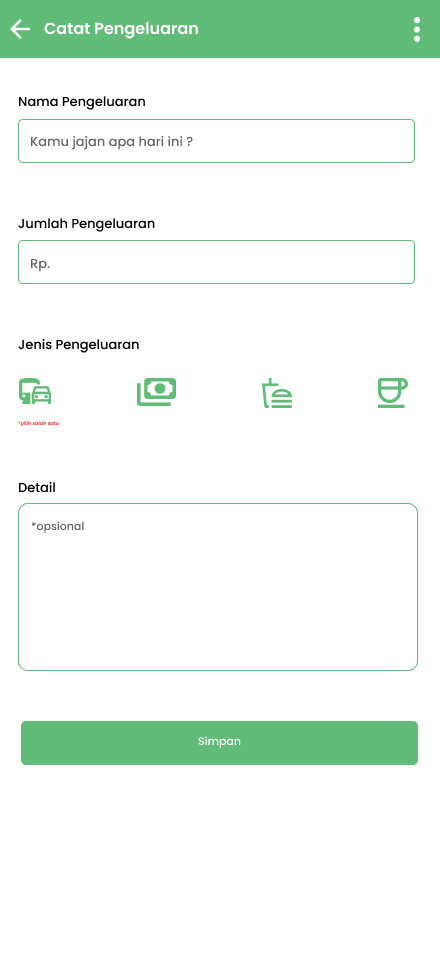
The main focus of this design is reducing friction in the expense input process. Instead of relying solely on manual input, I explored alternative methods such as OCR and screenshot scanning to make the experience faster and more convenient. I also designed confirmation steps to ensure users trust the system, especially when dealing with automatically extracted data.
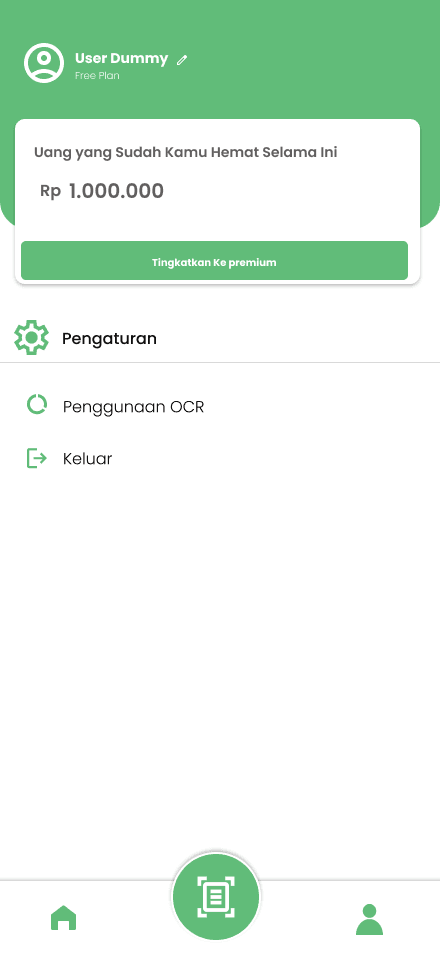
The interface is designed to be clean, minimal, and easy to navigate. I focused on: clear hierarchy, readable typography, intuitive layout to ensure users can quickly understand and interact with the app without confusion.
Wireframe
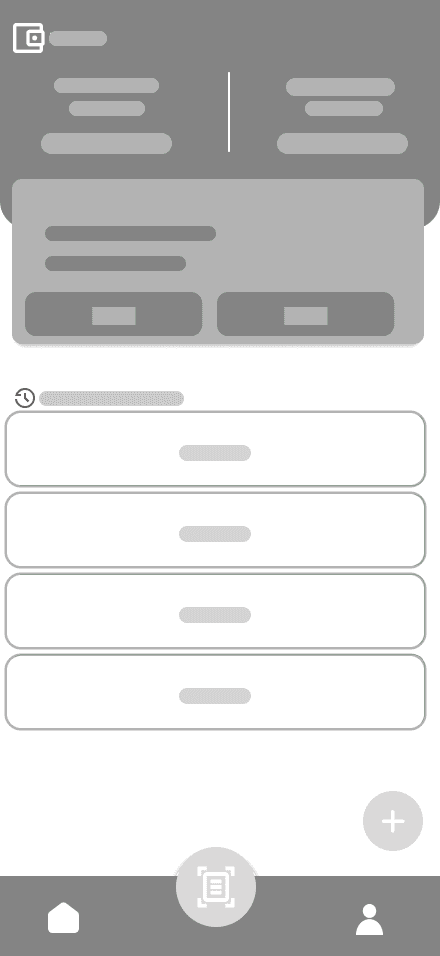
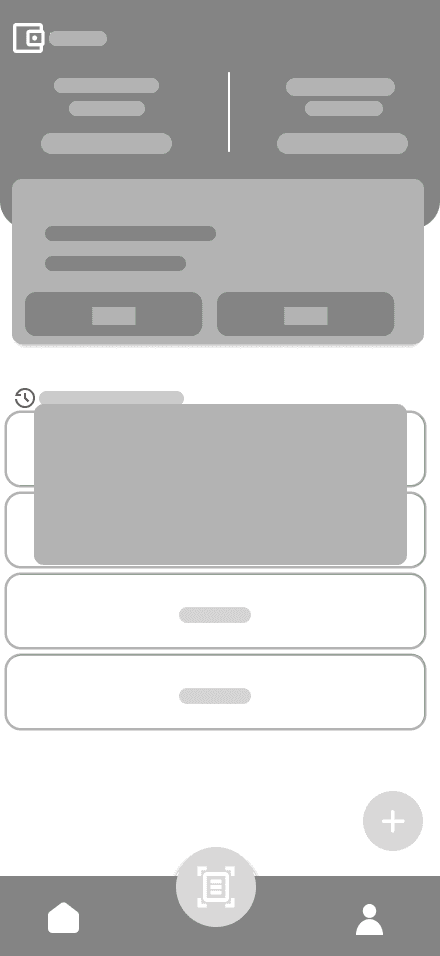
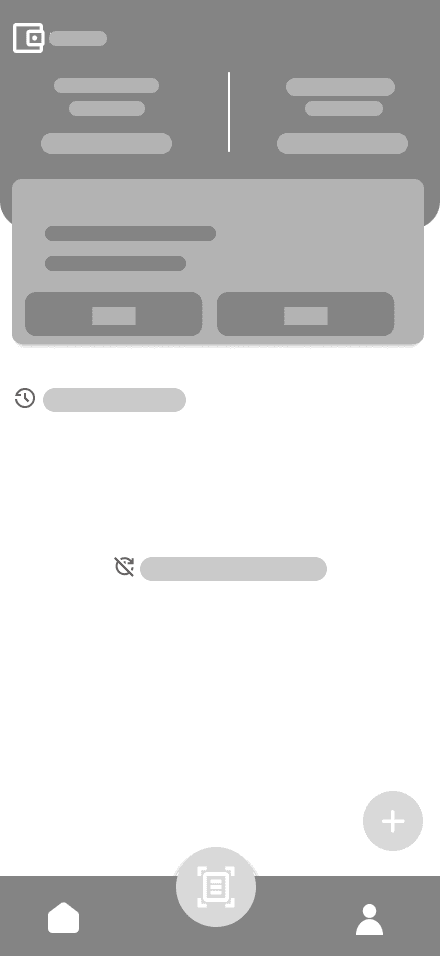
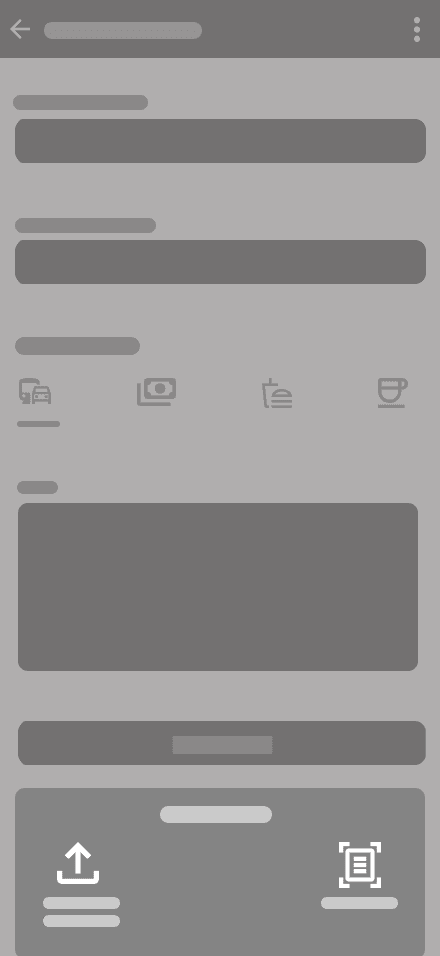
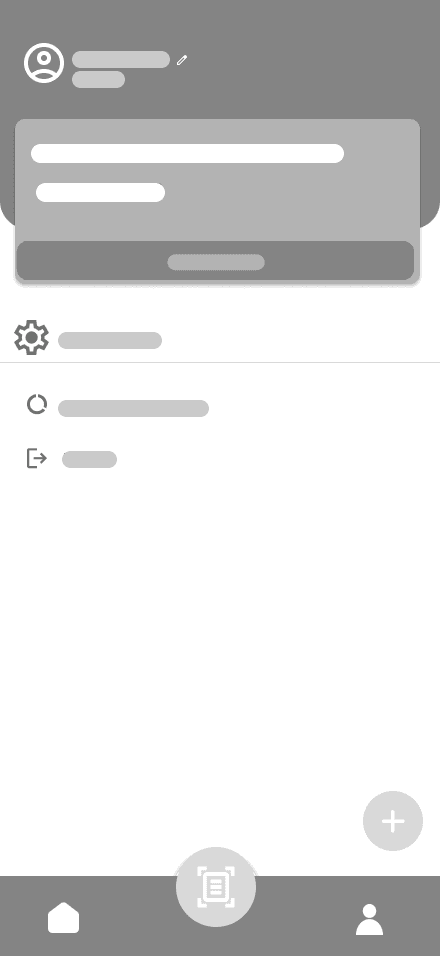
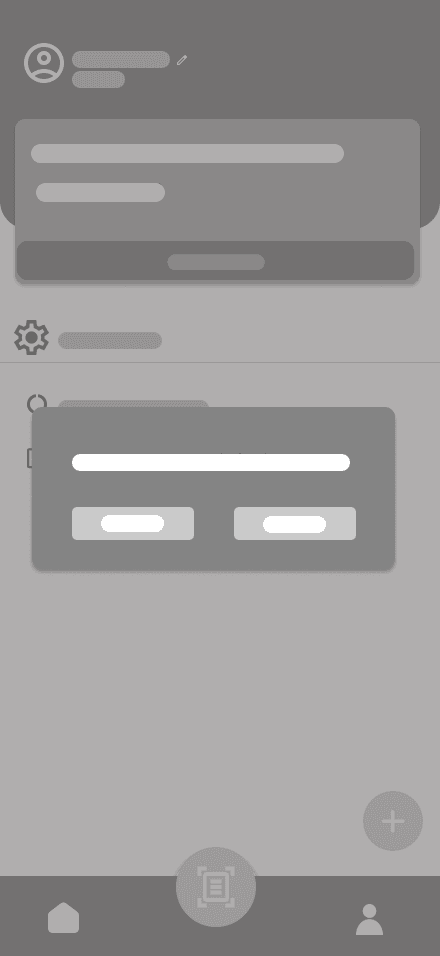
The wireframes represent the initial structure of the application, focusing on layout and user flow without visual distractions. At this stage, the goal was to organize key elements and ensure a clear and intuitive navigation experience.






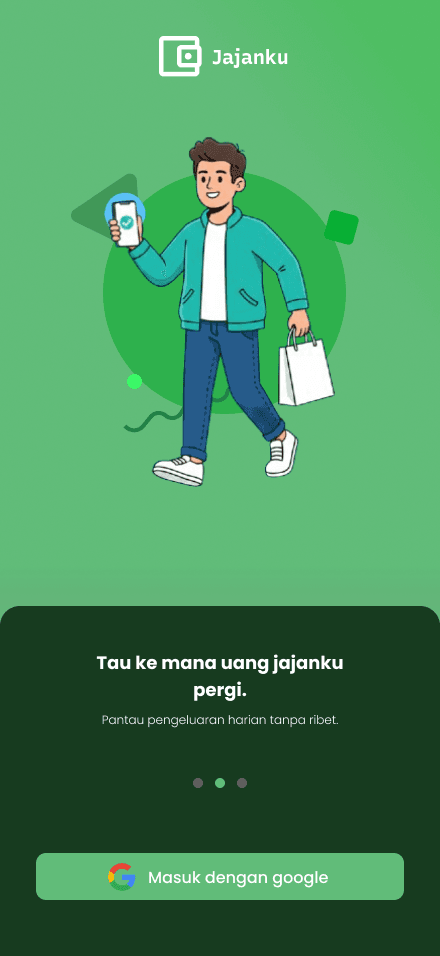
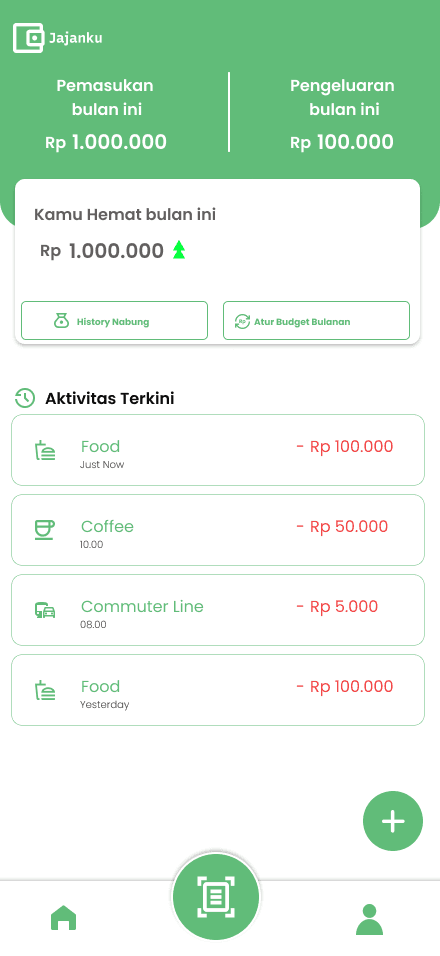
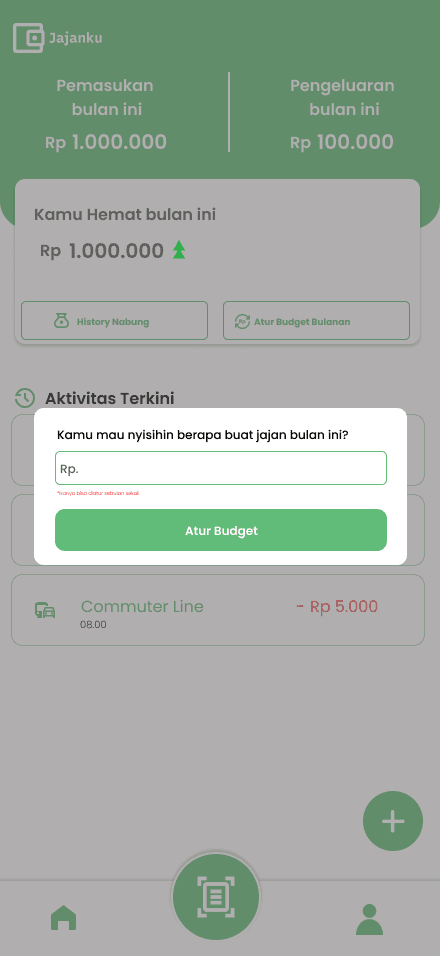
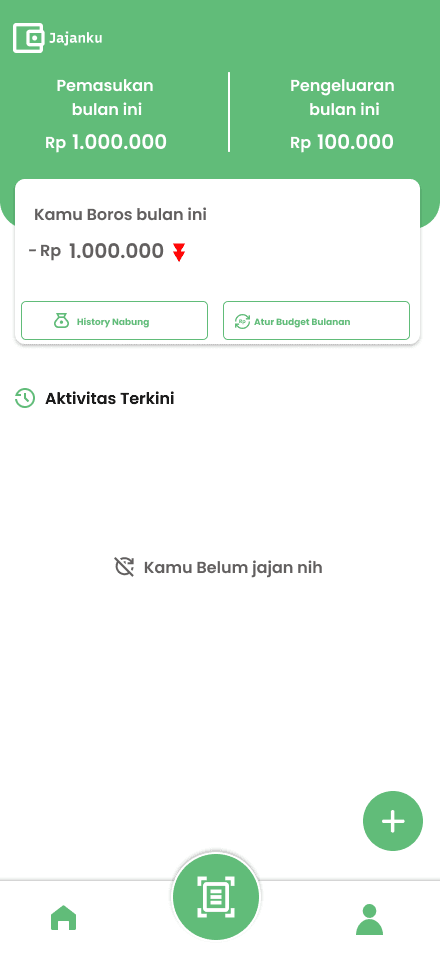
Final UI Showcase
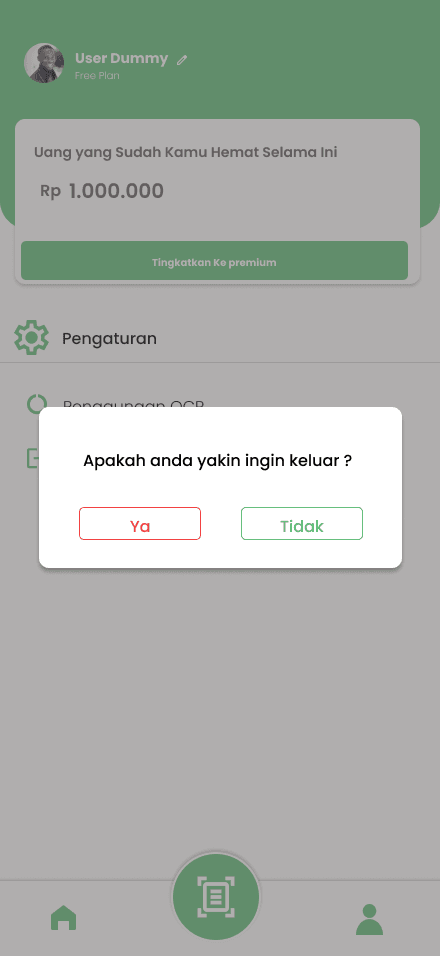
The final interface emphasizes a clean and intuitive user experience, with a strong focus on readability and visual hierarchy. The design aims to reduce cognitive load and make financial tracking feel simple, accessible, and engaging for everyday users.





Challenges
One of the main challenges was designing a system that balances automation and user control.
While OCR and screenshot scanning can speed up input, users still need confirmation to ensure data accuracy.
Designing this flow in a way that feels seamless and not overwhelming was a key challenge in this project.
Result
The result is a user-friendly expense tracking app design that simplifies how users record and manage their spending.
The design demonstrates a strong focus on usability, clarity, and modern mobile UI patterns.
What i Learned
• Designing for real user behavior (impulsive spending habits).
• Balancing automation and user control in UX.
• Creating intuitive flows for complex features.
• Improving UI clarity and consistency.